Add your whole genome (BAM or CRAM) to Nexju
How to add a 30x or low-pass whole genome to Nexju from your computer. Your browser reads the BAM or CRAM and sends only your genotypes, so any file size works.
Updated 3 min read
On the Max plan you can add a whole genome to Nexju as a BAM or CRAM file. Your browser reads the file on your computer and sends Nexju only your genotypes at the sites the AADR uses, about 1 MB. The file itself never leaves your computer, so a 60 GB CRAM works as well as a 2 GB one.
This guide takes you through each step. If you are not sure which calls to choose, read Diploid or pseudohaploid calls. If something goes wrong, see Whole-genome upload problems.
What you need
The Max plan. Whole genomes, from your computer or from a link, are a Max benefit.
A BAM or CRAM aligned to GRCh37 (hg19). Files aligned to hg19, b37, hs37d5 or GRCh37 all work. Nexju doesn't read GRCh38 or T2T alignments yet.
Its index, made from that file. A CRAM needs its
.crai, and a BAM needs its.baior.csi. Sequencing companies send the index with the file. If yours is missing,samtools index sample.crammakes one.A computer with the file on its disk. Reading from the internal disk is fastest. A file on a network drive or a slow USB disk can take an hour or more.
Add the genome
Open the upload page and choose Genome file. Under File, choose BAM or CRAM. Under Where it is, choose On this computer.
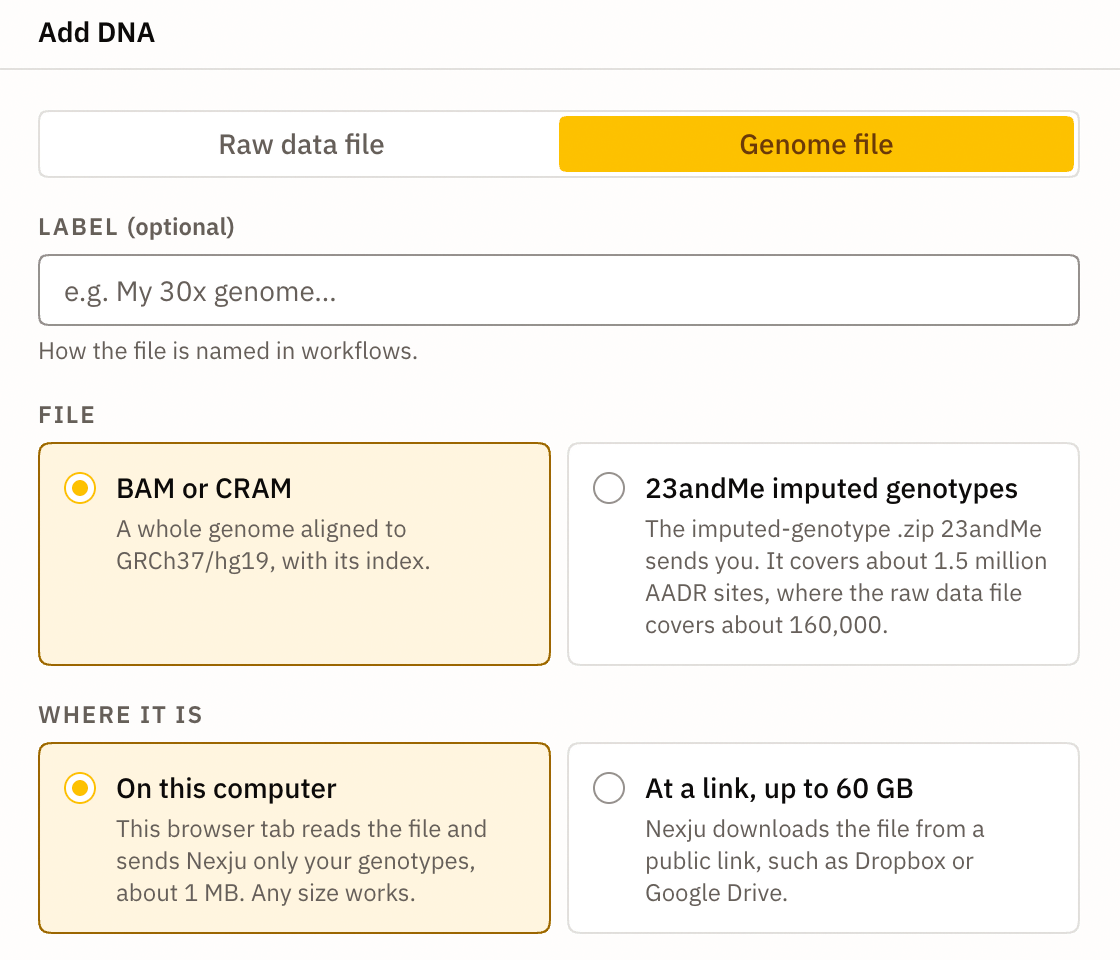
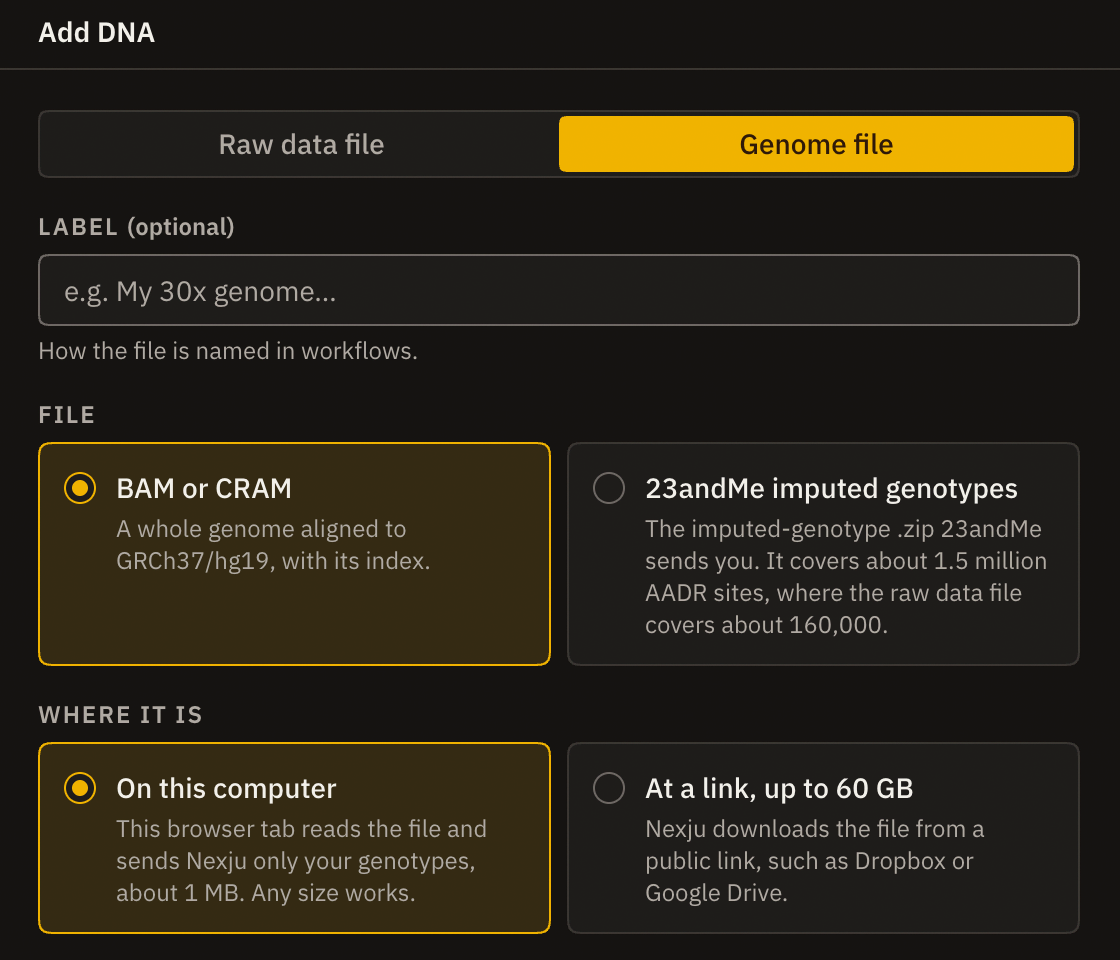
Add a label if you like, such as "My 30x genome". It is the name you will see when you pick a target for a model.
Then drop the file and its index on the box, or click it and choose both files together. Each one gets a tick when Nexju has it.
Choose the calls
As soon as both files are in, your browser reads part of chromosome 22 to measure the coverage. It then marks the calls that suit your genome:
Diploid for a genome of about 10x or more, such as a 30x WGS.
Pseudohaploid for a low-pass genome, such as a 1x or 4x one.
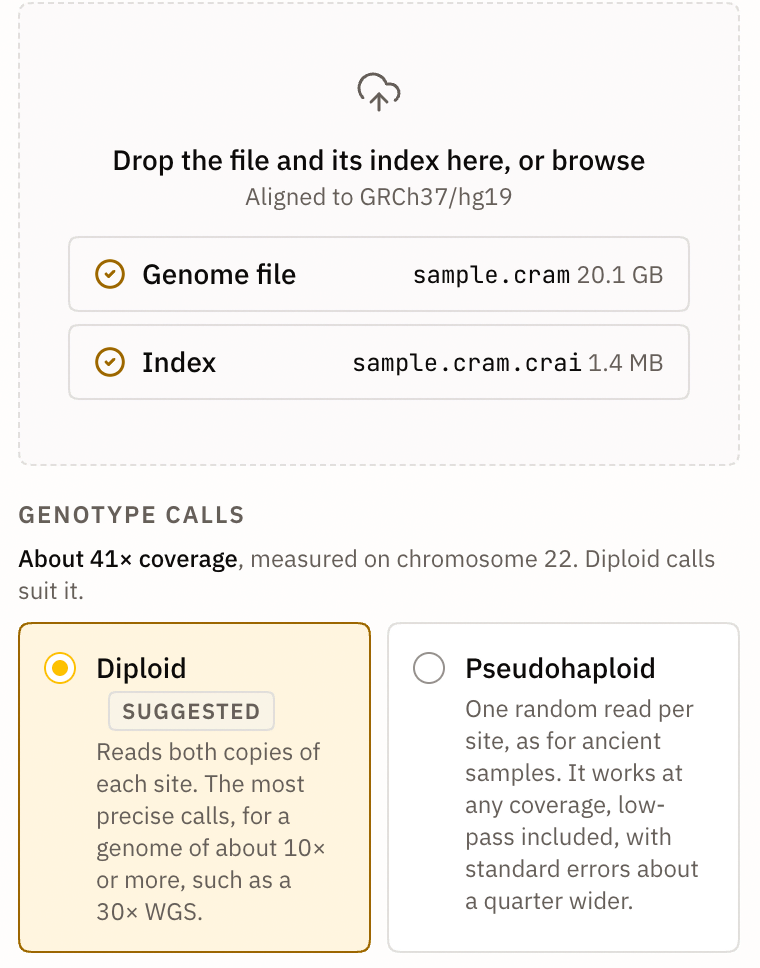
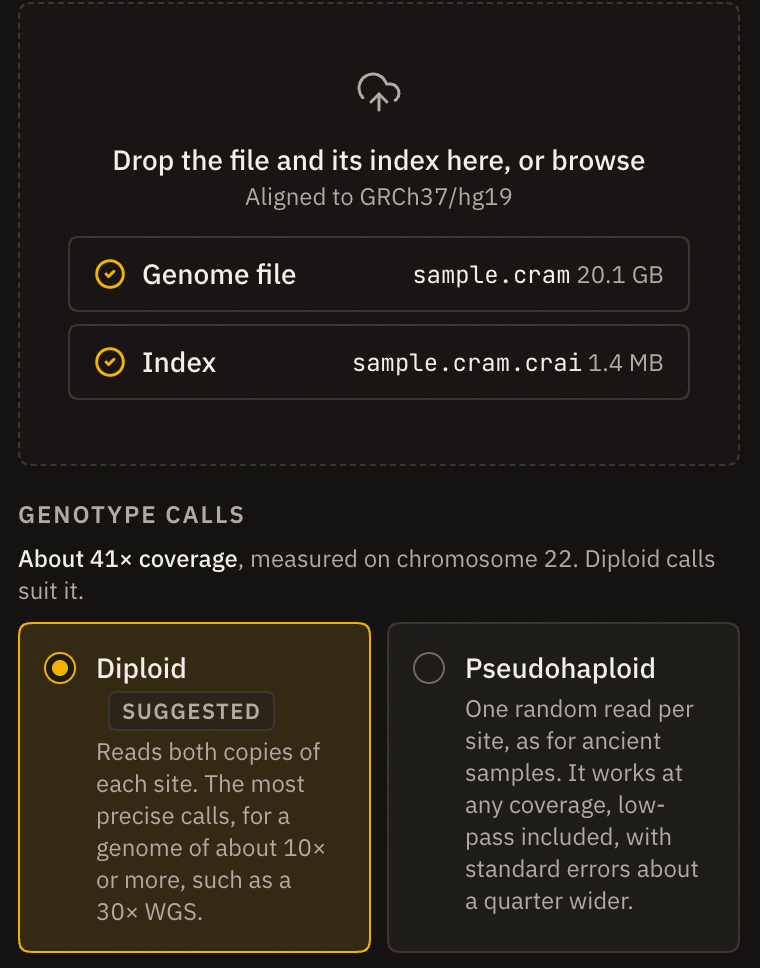
Keep the suggestion unless you have a reason to change it. Diploid or pseudohaploid calls explains the difference, and the options for ancient DNA libraries.
Read the genome
Tick the consent box and select Add genome. Your browser now reads the file, one chromosome at a time, on several of your computer's cores at once. A bar shows how far it is and about how long is left.
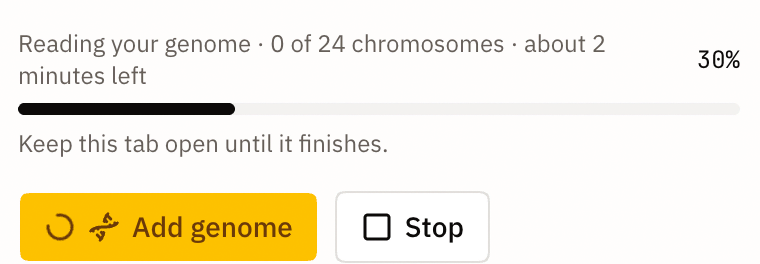
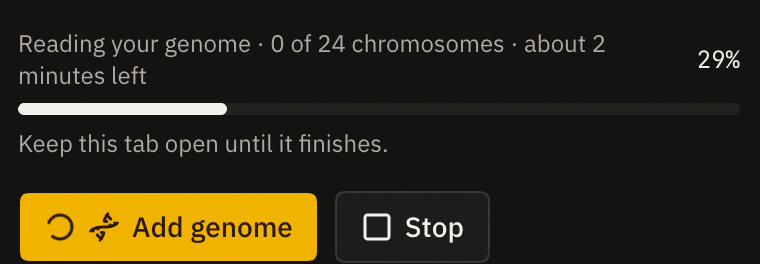
Keep the tab open until the bar is full. You can use other tabs and apps meanwhile, but if you close this tab, or your computer sleeps, the read stops and you start again. Stop ends the read on purpose. Nothing reaches Nexju until the read finishes, so a stopped read leaves nothing behind.
For a CRAM, your browser also downloads pieces of the GRCh37 reference genome from Nexju as it reads, since a CRAM stores reads as differences from that reference. This is public reference sequence, the same for everyone, and it doesn't come from your file.
When the read is done
Your browser sends the genotypes, and the genome appears under Your DNA files. Nexju then writes your genotypes at the 1240K, Human Origins and 2M sites, so every dataset gets your full coverage. When that is done, the genome shows Uploaded, with its coverage and the number of sites called.
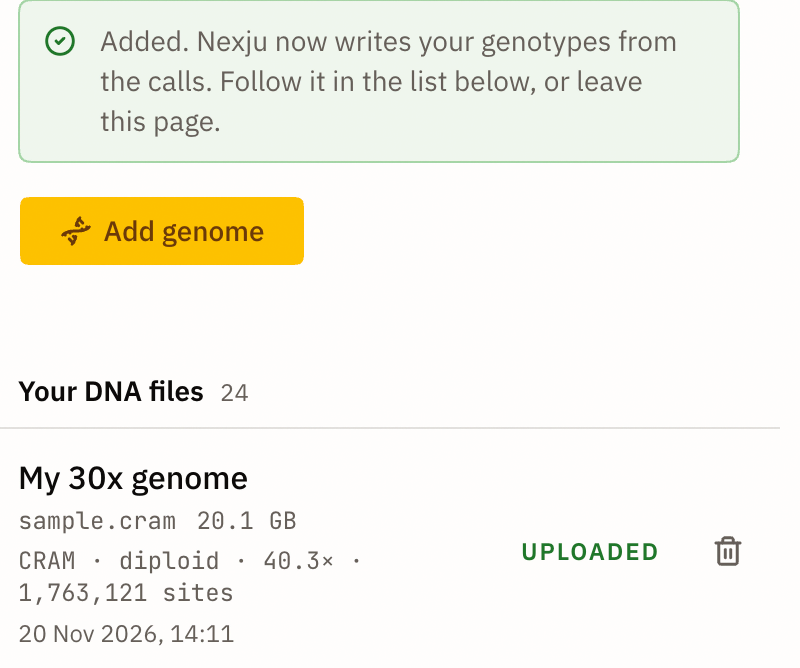
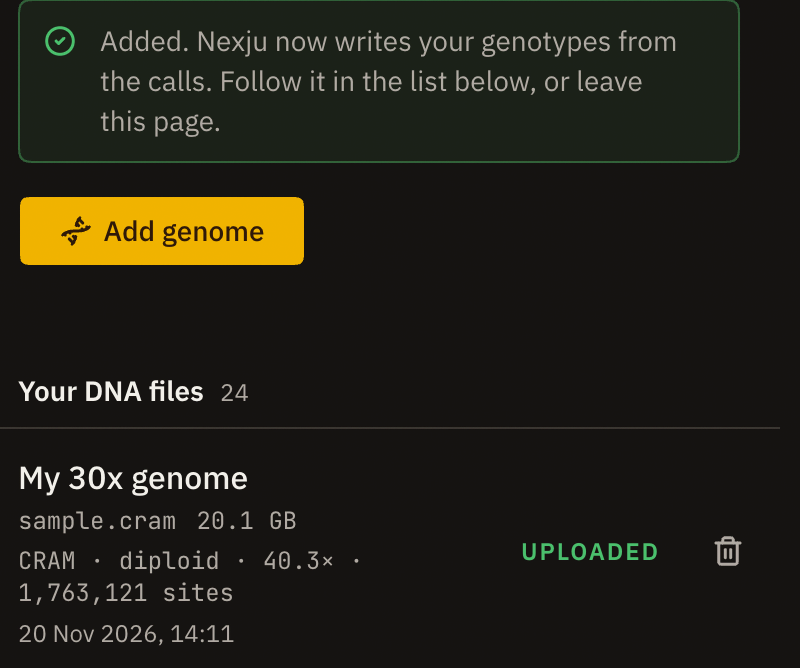
Then choose it as the target of a qpAdm model, a PCA or any other analysis, as you would a 23andMe file. See How to run qpAdm.
What Nexju receives
Nexju receives:
your genotype at each of about 1.76 million sites that the AADR uses;
the mean depth on each chromosome, used to check the read;
the file's name, size and format.
Your reads, the rest of your genome and the file itself stay on your computer. You can delete the genome from Your DNA files at any time, which also withdraws your consent and removes its genotypes for good.
If your file is at a public link, such as Dropbox or Google Drive, you can choose At a link instead, for files up to 60 GB. Nexju then downloads the file and reads it on its own servers. Reading on your computer is faster for large files and has no size limit.